GETTING STARTED · SECURITY & IDENTITY
The right help.
The right access.
Follow a request through identity, agent access, business-data permissions, and external connections. See who may do what, and why.
Chapter 1
Start with the person and the task
Identity answers “who is making this request?” Authorization answers “what may that identity do?” A successful sign-in establishes a caller; it does not grant access to every record.
In our fictional team, Sam is allowed to review Alex’s request, while Jordan’s request belongs to another manager. An equipment helper should make Sam’s work easier while keeping that boundary.
Oracle references: CoE: Identity and security
Chapter 2
Separate the access questions
Permission to configure an agent, permission to run it, and permission to access business data are separate. A person may use a finished helper without being allowed to edit its tools.
Explore the responsibilities below. Keep the operation and data scope visible as well as the person’s role.
Explore the parts
Builder
Design-time permissions control who may configure agents and the resources they use.
The builder edits a read-only equipment helper; Sam uses the finished version.
Oracle references: Access requirements · CoE: Identity and security
Chapter 3
Follow the request to the record
For the Fusion user-context flow described by Oracle, the agent invokes protected Fusion services in the current user’s context. Fusion still checks the user’s roles, privileges, and data security.
Selecting Jordan in an application or adding Jordan’s identifier to a prompt supplies context. It does not create permission. Check that the tool request uses the intended identity and that the underlying service enforces access.
A small challenge
Sam may review Alex’s request but not Jordan’s. Sam can run the helper. What follows?
Choose an answer to explore the reasoning. You can try again.
Oracle references: CoE: Identity and security
Chapter 4
Check the identity at the other end
An external connector has its own authentication and source-system permissions. Review which account it uses and which external records or operations that account can access.
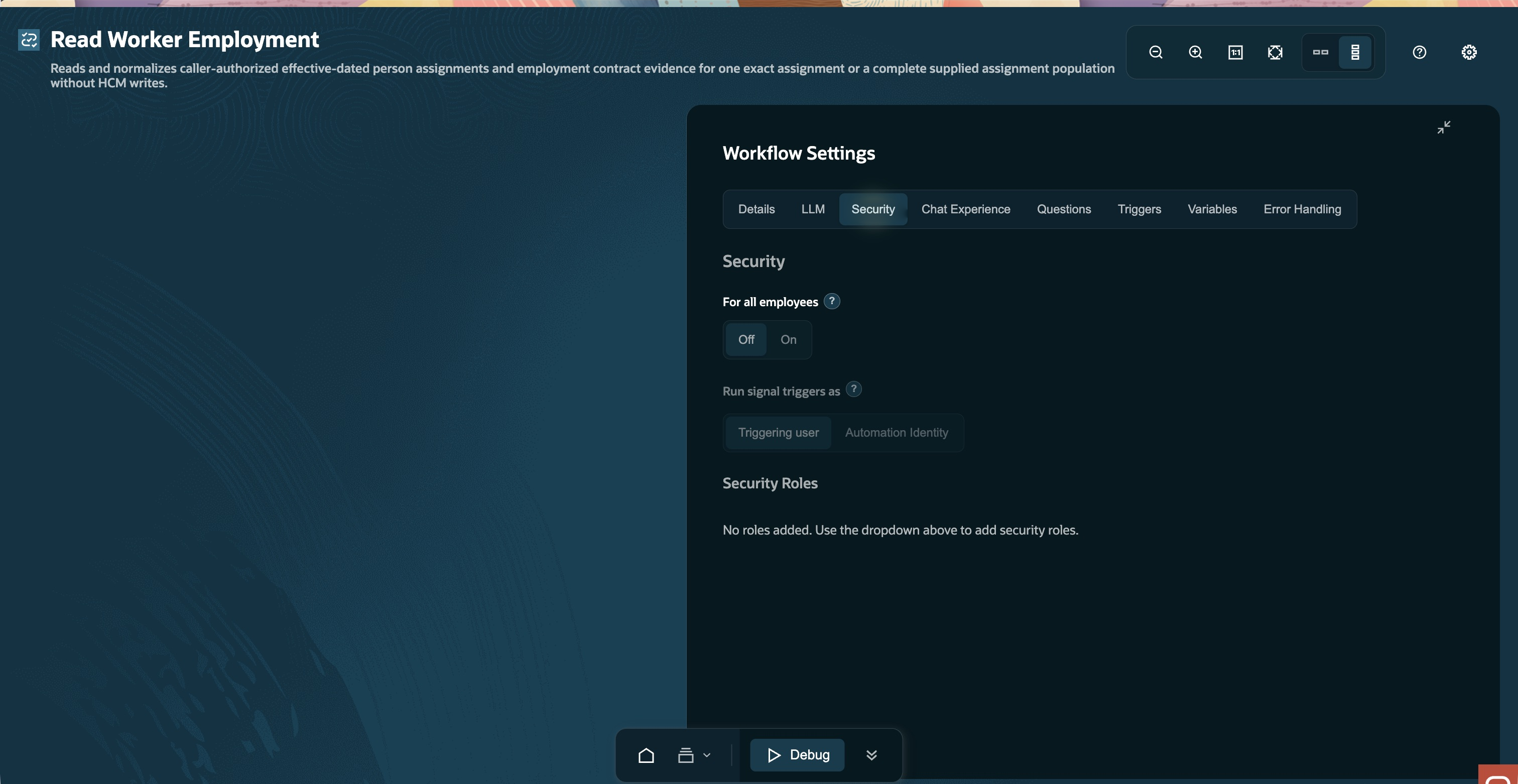
A scheduled workflow also needs an execution identity and the appropriate scheduling access. Do not assume a background run or external call automatically has the same permissions as Sam’s interactive session.
Oracle references: CoE: Connector access · Workflow triggers
Chapter 5
Keep approval and permission distinct
A prompt describes intended behavior. A human approval records a decision. The configured identity and authorization controls still determine whether an operation may access or change data.
For Sam’s first rollout, keep the helper focused on permitted reads and an explicitly reviewed action. Ask the security administrator to verify the effective access rather than granting broad roles just to make a screen appear.
A small challenge
The external partner account can read estimates but cannot book. Sam approves a booking in chat. What should happen?
Choose an answer to explore the reasoning. You can try again.
Oracle references: CoE: Identity and security · Approval processes
Chapter 6
Choose who reviews run records
Viewing monitored agent records has its own access setup in Fusion. Give the people investigating a problem the appropriate monitoring permissions and security views.
In our example, Sam reports an unexpected answer. An authorized reviewer inspects the relevant run. Sharing a problem does not mean everyone needs access to all run records.
Oracle references: Access requirements
Chapter 7
Try both sides of the boundary
Use approved test identities and synthetic or authorized records. Check an allowed read, an out-of-scope record, an unauthorized change, and a connection whose access is narrower than expected.
Record the identity used, the operation attempted, and the observed result. Never paste tokens or passwords into a prompt or report. For real setup, follow the release-specific access procedures linked below.
Oracle references: CoE: Identity and security · Evaluation scenarios
TAKE IT WITH YOU
You have a starting point.
- Separate sign-in, builder access, run access, and business-data authorization.
- Trace the execution identity through Fusion and external connections.
- Test allowed and denied operations without treating prompts or approvals as access grants.
Read further with Oracle
Concepts are summarized in plain language. Product availability and setup can vary by release and configuration.
When you are ready to build and test
Continue into the official learning paths when you want hands-on product setup.
Original learning stories & interactive examples © 2026 Sourabh Biharia.
Need a quick definition? Open the glossary